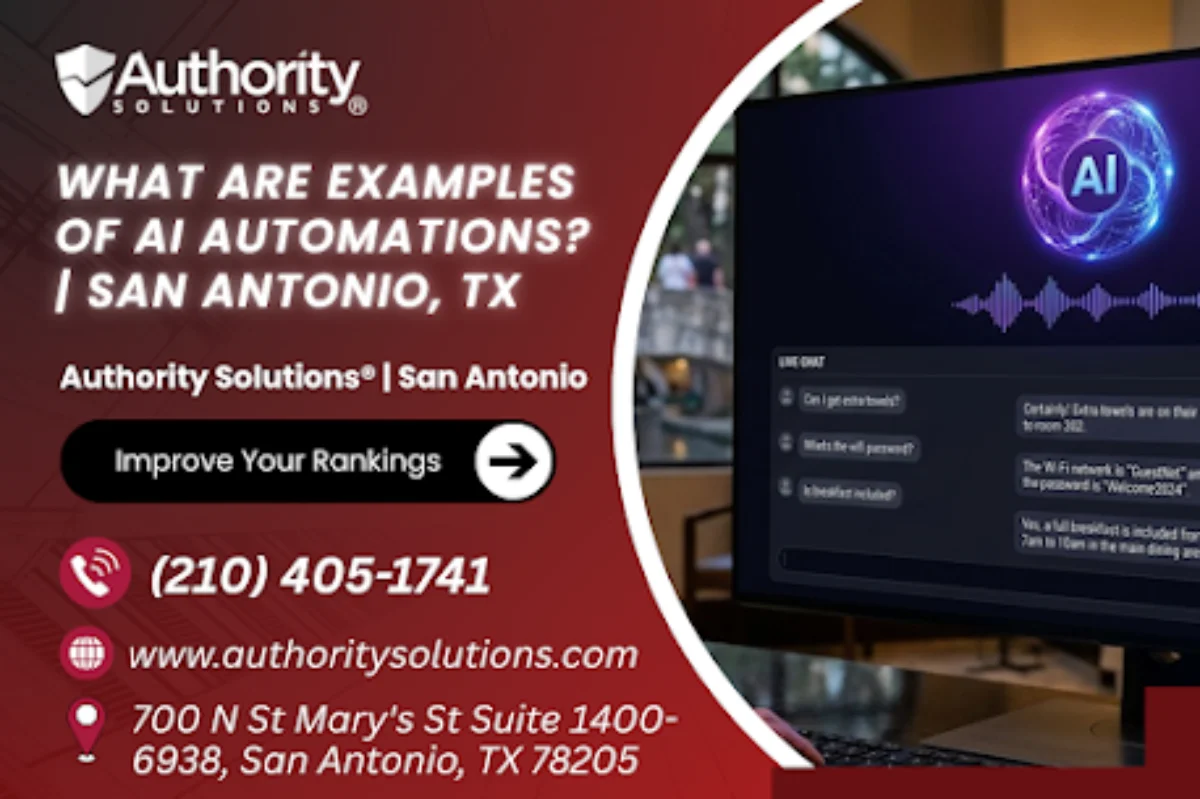
Examples of AI automations include customer-service chatbots, invoice and document processing that pairs OCR with a language model, support-ticket routing, lead and email follow-up, resume screening and onboarding, report generation, and data entry between systems. AI automations can be built in Zapier, Make, n8n or Microsoft Power Automate.
If you run a clinic, a contractor firm, a hotel or a small finance office in San Antonio, you have probably heard that AI can take repetitive work off your team's plate. The harder part is picturing what that looks like on a normal Tuesday, because most explanations stay abstract and never show you the actual task being handed over. Real examples make the idea concrete, and they also help you spot which of your own weekly chores fits the pattern.
An AI automation is a workflow where software does a job end to end and an AI model handles the step that used to need a person to read, sort or write something. A plain automation copies a form into a spreadsheet, while an AI automation can also read a scanned invoice, decide which department a support email belongs to, or draft a polite reply. That reading and deciding step is what turns a simple trigger into something that saves real thinking time.
In this guide, you'll learn the most common examples of AI automations grouped by business function, how those examples map to the industries that drive San Antonio's economy, which named tools build them, and how to choose a sensible first example for your own team.
Customer Service Automations That Answer, Sort and Reply
Customer service is where many businesses meet AI automation first, because the work is high in volume and many questions repeat word for word. A chatbot on your website or messaging channel can answer simple questions about hours, services and next steps, and chatbots are already widely used in customer service at banks, airlines, retailers and healthcare providers. The goal is to free your front desk from repeat questions so your staff can spend their time on the conversations that need a person.
Website and Messaging Chatbots
A website chatbot greets visitors, answers common questions from an approved set of answers, and collects a name and phone number when the question needs a person. For a San Antonio hotel or restaurant, that might mean answering parking, group booking and event questions after hours, then handing warm inquiries to staff the next morning. The chatbot stays useful when you give it clear limits on what it can and cannot promise.
Support Ticket Routing
Ticket routing reads each incoming email or form, works out what it is about, and sends it to the right person or queue with a priority tag. A billing question goes to accounts, a service complaint goes to a manager, and a simple request gets an automatic acknowledgment so the customer knows someone has it. Routing like this can shorten the time a message sits unread, because nobody has to sort the inbox by hand first.
Drafted Replies for Routine Emails
An AI model can draft a reply to a routine email for a team member to check and send, which keeps a person in control of tone and accuracy. Drafting is often the safest starting point for customer service, since your staff still approve every word that leaves the business.
Back-Office Automations for Invoices, Data Entry and Reports
Back-office work is the second big group of AI automation examples, and it often delivers the quietest relief because nobody enjoys retyping numbers. Invoice and document processing is the classic case: optical character recognition (OCR) reads the text on a scanned or emailed invoice, a language model works out which number is the total, the due date and the vendor, and the automation enters those fields into your accounting system. OCR is widely used for invoices, receipts, bank statements and forms, so this example rests on well-established technology rather than anything experimental.
Data entry between systems is the next example, and it covers all the small copy-and-paste jobs that sit between your tools. When a new customer books through your website, an automation can create the contact in your CRM, add the appointment to the shared calendar and send the intake form, all without someone moving the details by hand. The AI step comes in when the incoming data is messy, such as a free-text form that needs a name, a service type and an urgency level pulled out of a sentence.
Report generation rounds out the back office. An automation can pull figures from your booking tool, your spreadsheet and your ad accounts every Monday, then ask a language model to write a short plain-English summary of what changed. Your manager reads a short summary instead of opening several dashboards, and the underlying numbers stay attached for anyone who wants to check them.
Sales, Marketing and HR Automations That Keep Work Moving
Sales, marketing and HR examples share one trait: they keep a process moving when people get busy and follow-ups slip. Lead follow-up is a common sales example, where a new web inquiry triggers an immediate personalized email, a reminder task for your salesperson, and a second message a few days later if nobody has replied. In marketing, AI automations often draft first versions of social posts, email newsletters or product descriptions that a person then edits and approves.
HR and operations examples include resume screening, onboarding and scheduling. A resume-screening automation reads each application against the requirements you set, sorts candidates into groups, and flags the ones a hiring manager should read first, while the final decision stays with a person. Onboarding automations send a new hire the right documents, create their accounts and remind their manager about first-week check-ins, and scheduling automations book interviews or appointments by matching open calendar slots.
The table below shows what each function typically hands to the automation and what your team should keep doing itself.
| Function | Task handed to the automation | What stays human |
|---|---|---|
| Customer service | Answering common questions, sorting tickets, drafting routine replies | Complaints, refunds, judgment calls and anything sensitive |
| Back office | Reading invoices, entering data between systems, compiling weekly reports | Approving payments, checking unusual figures, fixing errors |
| Sales | Instant inquiry replies, follow-up reminders, second-touch emails | Quoting, negotiating and building the relationship |
| Marketing | First drafts of posts, newsletters and descriptions | Final edits, brand voice and approval |
| HR | Resume sorting, onboarding checklists, interview scheduling | Hiring decisions, performance conversations, policy questions |
| Operations | Appointment reminders, calendar booking, status updates | Exceptions, priorities and customer promises |
AI Automation Examples Matched to San Antonio Industries
The examples that matter most in San Antonio depend on the industries that employ the city's workforce. Healthcare and bioscience, military and defense, advanced manufacturing, IT and cybersecurity, financial services and tourism are among San Antonio's major industries, and each one has its own repetitive work that suits a different kind of automation. Matching the example to the industry is what keeps an AI project practical instead of experimental.
For a healthcare practice, common examples are appointment reminders, digital intake forms that feed the scheduling system, and a chatbot that answers office-hours and directions questions. Patient records and clinical decisions are a different matter, so a clinic should get its own compliance advice before any automation touches protected information. Contractors and suppliers that work alongside the military and defense sector often look first at document routing, where incoming paperwork is read, labeled and sent to the right reviewer.
Tourism and hospitality businesses tend to start with inquiry chatbots and booking follow-ups, since guests ask the same questions in large numbers. Financial services offices usually begin with document intake and data entry, and manufacturers often look at report generation that turns production figures into a readable weekly summary. The table below pairs each industry with an example and a sensible first step.
| San Antonio industry | Example AI automation | First step to try |
|---|---|---|
| Healthcare and bioscience | Appointment reminders and intake forms that feed the schedule | Automate reminder messages for one appointment type |
| Military and defense contractors | Document routing that labels and forwards incoming paperwork | Route one document type to one reviewer |
| Tourism and hospitality | Website chatbot for booking, parking and event questions | Load your ten most common guest questions |
| Financial services | Invoice and document intake with OCR | Process one vendor's invoices automatically |
| Advanced manufacturing | Weekly production report with a written summary | Combine two data sources into one Monday report |
| IT and cybersecurity | Support ticket routing with priority tags | Sort one inbox by request type |
Which Tools Build These AI Automations
Four named platforms can build the examples in this guide, and each one connects your existing apps so an AI step can sit in the middle of a workflow. Zapier connects apps with automated workflows and suits small teams that want a quick start. Make uses a visual scenario builder that shows each step of the workflow on a canvas, which helps when a process branches. n8n is a workflow builder with a self-hosting option, and Microsoft Power Automate fits businesses that already run on Microsoft 365.
The tool choice usually follows the systems you already use rather than the other way round, so a Microsoft 365 office and a team running a mix of web apps may land on different platforms. We have not included prices here because vendor plans change often, so check each vendor's own pricing page before you commit.
| Example | What it does | Typical tools | Business type |
|---|---|---|---|
| Customer-service chatbot | Answers common questions and collects contact details | Chatbot connected through Zapier or Make | Hotels, restaurants, clinics, retailers |
| Invoice processing | Reads invoices with OCR and enters the fields into accounting | Make, n8n or Power Automate with an OCR step | Finance offices, contractors, distributors |
| Ticket routing | Classifies incoming messages and sends them to the right queue | Zapier, Make or Power Automate | IT providers, service companies |
| Lead follow-up | Sends an instant reply and schedules reminders | Zapier or Make with your CRM | Any business that takes web inquiries |
| Resume screening | Sorts applications against your requirements | Power Automate or n8n | Growing teams that hire often |
| Weekly report | Pulls figures and writes a plain summary | Make or n8n | Manufacturers, agencies, multi-site businesses |
How to Choose Your First Example
The simplest way to pick a first AI automation is to choose one task your team repeats every week that follows the same steps each time. Write down where the information comes from, what decision someone makes, and where the result goes, because that three-part map is what any builder needs. Start with something low risk, such as reminders or report drafts, before you hand over anything customer-facing or financial. Setup time varies with the number of systems involved, so a single-app workflow and a multi-system process will not take the same effort.
Authority Solutions® | San Antonio AI Services
Authority Solutions® | San Antonio is part of a digital marketing agency that builds AI workflows, and its services also include SEO and web design. The San Antonio AI and digital marketing team is based at 700 N St Mary's St.
AI Automations. AI automations are offered through our AI workflow automation service.
AI Consulting. AI consulting is offered by the San Antonio team.
AI Training. AI training is offered by the San Antonio team.
Key Takeaways
- Common examples of AI automations include chatbots, invoice and document processing, ticket routing, lead follow-up, resume screening, onboarding, report generation and data entry between systems. Each one hands a reading, sorting or writing step to an AI model while a person keeps the final say.
- Customer service is often the first place businesses add AI automation, because questions repeat in high volume. Chatbots are already widely used at banks, airlines, retailers and healthcare providers.
- Invoice processing pairs OCR with a language model to read invoices and enter the right fields. OCR is a well-established technology already used for invoices, receipts, bank statements and forms.
- San Antonio's major industries, including healthcare and bioscience, military and defense, tourism and financial services, each suit different examples. Matching the example to your industry keeps the project practical.
- Zapier, Make, n8n and Microsoft Power Automate can build these workflows. The right tool usually follows the systems your team already uses.
- The safest first automation is a weekly, low-risk task with the same steps every time. Reminders and report drafts are easier starting points than anything financial or customer-facing.
Frequently Asked Questions
What is the difference between automation and AI automation?
A standard automation moves data from one place to another when a trigger fires. AI automation adds a step where a model reads, classifies or writes something, such as pulling the total from an invoice or drafting a reply.
Can small businesses afford AI automation?
Small businesses can start with a single workflow, which keeps the first project and its cost contained. Costs depend on the tool and the number of steps, so check each vendor's own pricing page before you commit.
Which task should I automate first?
Pick one task your team repeats weekly that follows the same steps each time, such as appointment reminders. Low-risk tasks let you test the setup before you automate anything financial or customer-facing.
Is AI automation the same as RPA?
They overlap but are not identical. Robotic process automation (RPA) typically mimics the clicks a person makes in software, while AI automation adds judgment steps such as reading documents or classifying messages.
Do I need to know how to code to build an AI automation?
Whether you need to code depends on the tool and the workflow. Make, for example, uses a visual scenario builder that shows each step on a canvas. More complex workflows, or self-hosted n8n setups, may need some technical help.
Can an AI automation answer customer emails on its own?
An AI automation can draft replies to routine emails and send simple acknowledgments. For anything involving refunds, complaints or promises, most businesses keep a person reviewing the draft before it goes out.
How long does an AI automation take to set up?
Setup time varies with how many systems the workflow touches and how clean your data is. A single-app reminder is usually far quicker than an invoice process that feeds accounting software.
What kind of data should stay out of an automation?
Keep sensitive data, such as patient records, payment details or confidential client files, out of any workflow until you have checked the tool's security and your own compliance obligations. Start with low-risk information instead.
Will AI automations replace my employees?
AI automations usually take over repetitive steps rather than whole jobs. Your team still handles judgment calls, relationships and exceptions, and often has more time for that work once the routine tasks run automatically.
How do I know whether an automation is working?
Track one simple measure before and after launch, such as how long inquiries wait for a reply or how many invoices need manual fixes. Review the automation's output regularly so errors are caught early.
Conclusion
AI automations are easier to understand once you see them as specific jobs: a chatbot answering guest questions, an invoice read by OCR and entered into accounting, a ticket sent to the right person, or a weekly report written in plain English. Each example follows the same pattern, where software handles the repetitive steps and an AI model handles the reading or writing that used to need a person.
The practical next move is to choose the one example that matches your busiest weekly task and your industry, whether that is healthcare reminders, contractor paperwork or hospitality inquiries. When you have that task in mind, contact us and describe the task you repeat every week.
Call (210) 405-1741 about your first automation.
Send our San Antonio team your most repeated task.